
Does your head throb by 3 PM? Do your eyes feel gritty, dry, or just plain tired after staring at a screen all day? You are not alone. In fact, you are part of a massive group. According to the American Optometric Association (AOA), roughly 65% of Americans experience symptoms of digital eye strain, also known as Computer Vision Syndrome (CVS). This isn't just about being "tired." It is a physiological response to how our eyes interact with modern technology. If you spend more than two hours a day on screens, your risk skyrockets. The good news? You can fix it without buying expensive gear or quitting your job.
We often blame the blue light from our monitors, but the real culprit is usually much simpler: we stop blinking. When you focus on a screen, your blink rate drops by 66%, falling from a healthy 15 blinks per minute to just five. That means your eyes aren't getting lubricated, leading to that burning, sandy feeling. Combine that with the constant tension in your ciliary muscles (the ones that help you focus) and low contrast on digital text, and you have a recipe for headaches, blurred vision, and neck pain.
The Science Behind Screen Fatigue
To prevent computer vision syndrome, you first need to understand what is happening inside your head. Your eyes are designed to look at things far away. When you stare at a close object, like a laptop screen, the ciliary muscles contract to keep the image sharp. Holding that contraction for hours is like holding a plank position for your eyes. Eventually, they fatigue.
Then there is the issue of contrast. Text on paper is black ink on white paper-high contrast. Text on a screen is pixels emitting light. Even with high-resolution displays, the characters lack the crisp edge of print, forcing your eyes to work harder to resolve the image. Add in glare from overhead lights or windows, which can reduce contrast perception by up to 50%, and your visual system goes into overdrive.
Research from the National Institutes of Health (NIH) highlights specific symptoms linked to this strain:
- Eye strain: Reported by 64.1% of computer users.
- Headaches: Affecting 43.8% of sufferers.
- Blurred vision: Experienced by 39.2%.
- Dry eyes: Plaguing 31.5%.
- Neck and shoulder pain: Common in 27.6% due to poor posture.
If you recognize these symptoms, your body is telling you something is wrong. Ignoring them doesn't make them go away; it just lowers your productivity. Studies cited by the Cleveland Clinic suggest CVS can reduce workplace efficiency by up to 20%. Let's look at how to turn that around.
The Golden Rule: 20-20-20
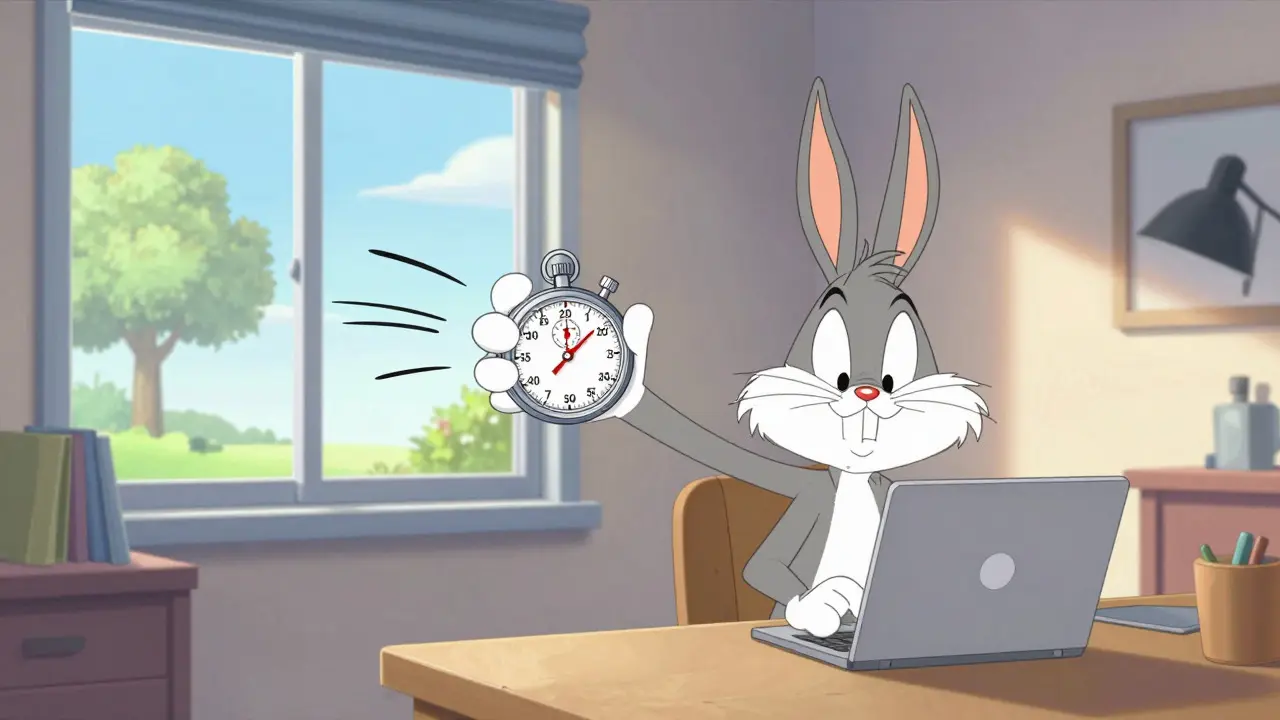
If you do nothing else, remember this number: 20-20-20. Recommended by the AOA since 2005, this is the single most effective habit you can build. Here is how it works:
- Every 20 minutes,
- Look at something 20 feet away,
- For at least 20 seconds.
Why does this work? Looking into the distance relaxes the ciliary muscles that were locked in focus mode. Clinical observations from St. Peter Eyecare Center show this simple break reduces symptoms by 53%. It sounds easy, but we forget. We get "in the zone" and lose track of time.
You need a trigger. Use an app like Time Out or EyeLeo (both have free versions) to remind you. One software developer reported reducing his daily headaches from five days a week to just one within three weeks of using such a tool. Consistency is key. It takes about 2-3 weeks to form this habit, so stick with it even if you don't feel immediate relief.
Optimizing Your Workspace Ergonomics
Your physical setup plays a huge role. Most people set up their desks based on convenience, not anatomy. A study by Spindel Eye Associates found that proper positioning can reduce neck strain by 30% and eye fatigue by 40%. Here is the ideal setup:
| Component | Specification | Benefit |
|---|---|---|
| Screen Distance | 20-28 inches (50-70 cm) | Prevents excessive focusing effort |
| Screen Height | Top of screen at or slightly below eye level | Reduces upward gaze and neck strain |
| Viewing Angle | 15-20 degrees downward | Natural eyelid closure reduces evaporation |
| Ambient Lighting | 300-500 lux | Improves contrast perception by 35% |
Notice the lighting recommendation? Standard office lighting is often too bright (750-1000 lux). If your room is brighter than your screen, your pupils constrict, causing strain. Dim the lights or use task lighting positioned to avoid reflections on the glass. Position your monitor so you are looking slightly down, not up. This allows your eyelids to cover more of your eye surface, naturally reducing tear evaporation.
Do Blue Light Glasses Actually Work?
This is the million-dollar question. The market for blue light protection hit $3.2 billion globally in 2023, growing 42% annually. Companies sell them as miracle cures. But what does the science say?
The evidence is mixed. Dr. Rahul Khurana, Medical Director of the American Academy of Ophthalmology, cautions that blue light filtering glasses have limited evidence for CVS prevention beyond the placebo effect. Double-blind studies show only a 15% additional symptom reduction compared to clear lenses. However, user experiences tell a different story. On Reddit’s r/Bluelightglasses community, 68% of users reported significant improvement, especially those with pre-existing dry eye syndrome.
Here is the nuance: Blue light filters block 10-30% of high-energy visible light in the 400-455nm range. While they may not cure CVS, they can reduce glare and improve contrast, which helps some people. If you decide to try them, look for anti-reflective coatings, which are proven to reduce eye strain by 28%. Don't expect magic, but they might be worth the $25-$150 investment if other methods fail. Just beware of color distortion, which 23% of negative reviews cited as a major annoyance.
Blinking and Lubrication Strategies
Remember that 66% drop in blink rate? You need to manually correct this. Dr. Reena Garg, an ophthalmologist at Cedars-Sinai Medical Center, recommends practicing "complete blinks" every 4-5 seconds during screen use. A complete blink means your upper and lower eyelids fully touch. This spreads the tear film evenly across the eye, increasing stability by 40%.
If conscious blinking isn't enough, use artificial tears. Look for preservative-free lubricating eye drops. The Cleveland Clinic reports that 78% of patients see improvement within seven days of using these drops 2-4 times daily. Avoid drops that promise to "get the red out," as these can cause rebound redness. Stick to simple lubricants.
In May 2023, the FDA approved EYSUVIS 0.25%, the first prescription eye drop specifically indicated for dry eye signs associated with digital eye strain. If over-the-counter options fail, ask your doctor about this newer treatment.

Technology Settings You Should Change Today
You don't always need new hardware. Your operating system has built-in tools to help. Both Windows 11 and macOS Ventura include advanced screen time management features. Enable "Night Light" (Windows) or "Night Shift" (Mac). These settings reduce blue light emission by 30-50% in the evening, which can help with sleep cycles and reduce harshness on the eyes.
Also, adjust your brightness. Your screen should match the ambient light of the room. If it looks like a light source, it's too bright. If it looks dull and gray, it's too dim. Aim for 50-70% of maximum brightness in typical office environments. Monitor manufacturers like ASUS and Dell now offer "eye care" modes with flicker-free technology and automatic brightness adjustment, which clinical studies show can reduce eye strain symptoms by 22%.
When to See a Professional
Self-care is powerful, but it has limits. The AOA recommends comprehensive eye exams specifically for computer users every 12 months. Why? Because 70% of CVS cases involve uncorrected vision problems. You might have mild astigmatism or presbyopia (age-related farsightedness, affecting 128 million Americans over 40) that you didn't know about until screen time exacerbated it.
A standard glasses prescription might not be optimal for computer distance. Many optometrists now offer "computer-specific" prescriptions tailored to the 20-28 inch viewing zone. If you've tried the 20-20-20 rule, adjusted your ergonomics, and used eye drops but still have pain, book an appointment. As Dr. Christopher Starr from Weill Cornell Medical College notes, "the most effective CVS prevention is addressing multiple factors simultaneously. No single solution works for 100% of users."
How long does it take to recover from digital eye strain?
Recovery time varies depending on severity. For mild cases, implementing the 20-20-20 rule and using artificial tears can provide relief within a few days to a week. Chronic cases involving uncorrected vision issues or severe dry eye may take several weeks of consistent ergonomic adjustments and medical treatment to fully resolve.
Are blue light glasses necessary for everyone?
No. Evidence suggests they provide limited benefit for general computer vision syndrome beyond a placebo effect for many users. They are more helpful for individuals sensitive to glare or those with pre-existing dry eye conditions. Prioritize ergonomic setup and the 20-20-20 rule before investing in specialized eyewear.
What is the best screen distance to prevent eye strain?
The ideal viewing distance is between 20 and 28 inches (approximately an arm's length) from your eyes. This distance reduces the focusing effort required by your eyes and minimizes the impact of any minor refractive errors you might have.
Can digital eye strain cause permanent damage?
Currently, there is no scientific evidence that digital eye strain causes permanent structural damage to the eye. The symptoms, such as headaches, blurred vision, and dryness, are temporary and reversible with proper rest and ergonomic adjustments. However, ignoring underlying vision problems can lead to worsening discomfort and reduced quality of life.
How often should I get an eye exam if I work on a computer?
The American Optometric Association recommends an annual comprehensive eye exam for regular computer users. This allows your optometrist to check for uncorrected vision issues, assess your binocular vision function, and recommend specific prescriptions or treatments tailored to your digital workload.